Understanding user behavior is crucial because it provides insight into how visitors interact with your website, what content they engage with, and where they may be dropping off. By studying these behaviors, designers can pinpoint pain points and optimize the website experience to improve user satisfaction and conversion rates. Web design services often rely on these insights to create tailored solutions that enhance user experiences.
For example, if users are abandoning their shopping carts during checkout, it may indicate issues in the user journey or problems with the checkout process. On the other hand, if users frequently interact with a particular section of your website, it might signal that it needs to be more prominent or emphasized. Web design services can address these issues by optimizing layouts and navigation.
Key Elements of User Behavior to Consider in Web Design
1. Click Patterns
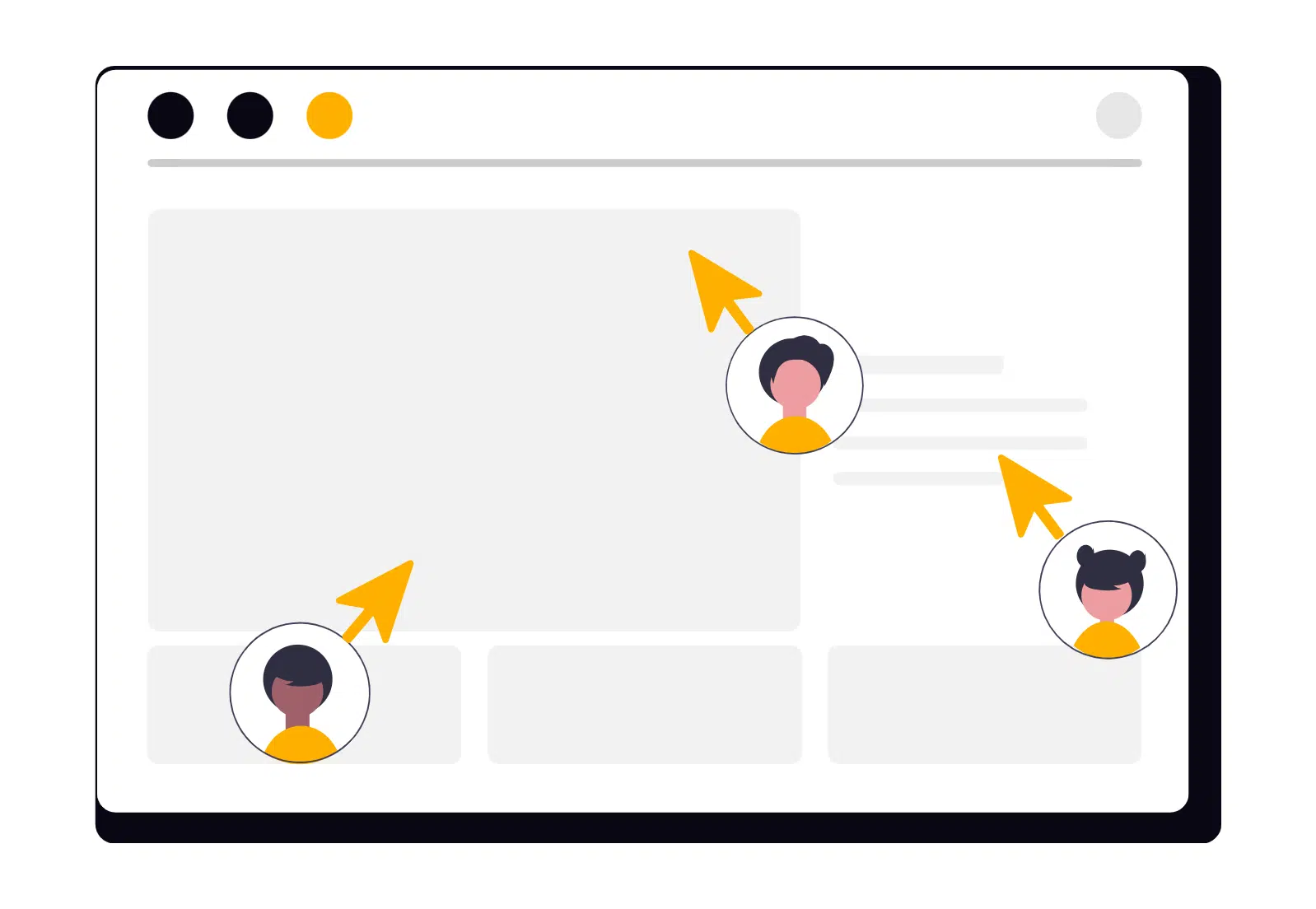
Click patterns reveal which parts of a website users are interacting with the most. Analyzing click data helps identify what draws the most attention, such as buttons, links, images, or CTAs. By understanding these patterns, web design services can prioritize important elements, ensuring they are placed in areas where users are most likely to engage.
How to Optimize:
- Prioritize Important Elements: Place key elements like CTAs in areas where users are most likely to click, such as the top of the page or the center of attention.
- Reduce Clutter: Eliminate distractions from high-value areas to ensure users don’t overlook key sections.
2. Navigation and Flow
The way users navigate through a website provides a wealth of information about how intuitive the site is. If visitors struggle to find what they’re looking for or have to take several steps to access content, it could indicate a problem with the site’s structure or navigation.
How to Optimize:
- Simplify Navigation: Use clear and concise labels in navigation menus. Avoid complex structures that require too many clicks.
- Logical Hierarchy: Group related content together to help users find information easily without feeling lost.
3. Bounce Rate and Exit Points
Bounce rate refers to the percentage of visitors who leave a website after viewing only one page. Exit points refer to the pages where users tend to leave the site. High bounce rates or exit points can indicate that users aren’t finding what they expect or are encountering frustration.
How to Optimize:
- Engage Visitors Immediately: Ensure that users know what your website offers as soon as they land on the homepage. A compelling headline or clear CTA can help
- Improve Content and Layout: High-quality, relevant content that’s easy to read and interact with can keep visitors engaged longer.
- Test Exit Points: Analyze why users are leaving your site and make necessary adjustments to reduce exits, such as simplifying forms or offering better navigation options.
4. Time on Page
Time on page refers to how long users spend on a particular page. Pages with higher time on them often indicate that users are engaged with the content. However, longer times can sometimes suggest that users are having trouble finding the information they need.
How to Optimize:
- Engaging Content: Use engaging, concise, and visually appealing content to keep users reading longer.
- Clear Layout: Make sure content is easy to scan, with headers, bullet points, and clear structure to help users find information quickly.
5. User Feedback and Behavior Analytics
User feedback, whether direct or indirect, provides valuable insights into user experience. Tools like heatmaps, session replays, and user surveys offer a closer look at user behavior, revealing areas where users might be frustrated or confused.
How to Optimize:
- Heatmaps: Use heatmaps to visualize which parts of the page users are engaging with the most. This can help inform the design and placement of key elements like CTAs.
- Session Recordings: Watch session recordings to see how users interact with your website in real-time. This can reveal friction points or areas where users tend to get stuck.
- User Surveys: Gather feedback from users directly to learn what they like and what they feel could be improved.
How to Leverage User Behavior for Better Web Design
1. Personalization
Once you understand how different user groups behave, you can tailor content, offers, and design to meet their needs. Personalization makes the user experience more relevant and engaging, which can lead to higher conversion rates.
How to Personalize:
- Behaviour-Based Recommendations: Display personalized product recommendations based on previous browsing or purchase history.
- Targeted CTAs: Show different CTAs based on user behaviour—e.g., “Add to Cart” for returning visitors or “Sign Up” for new visitors.
2. Optimizing for Mobile Users
With mobile usage continuing to rise, it’s essential to understand how users behave on different devices. Mobile users often have different expectations and needs than desktop users, so designing with mobile behaviour in mind is key.
How to Optimize for Mobile:
- Responsive Design: Ensure your website is mobile-friendly and responsive, providing a seamless experience across devices.
- Touch-Friendly Interactions: Make sure buttons and interactive elements are large enough to be easily tapped on smaller screens.
3. A/B Testing and Continuous Improvement
User behaviour analysis should not be a one-time exercise. Regularly conducting A/B tests to compare different design elements—such as button colour, page layout, or CTA copy—can help you fine-tune the user experience and improve conversions.
How to Optimize with A/B Testing:
- Test One Element at a Time: Make small changes to specific elements to better understand their impact on user behaviour.
- Measure Results: Use analytics tools to track how changes affect metrics like click-through rates, conversion rates, and bounce rates.
Conclusion
Understanding and analyzing user behaviour is vital for creating effective web designs that resonate with your audience. By examining click patterns, navigation flows, bounce rates, and other key user actions, you can make data-driven decisions to improve the user experience and increase conversions. Remember, web design services go beyond aesthetics—they focus on optimizing functionality and usability.